Just speak.We track.
Skip the typing, the receipts, the spreadsheets. Say what you spent — SpendVoice hears you, understands you, and categorizes it before you put the phone down.
“Uber 17”
“Coffee 6 bucks”
“Groceries 42”
“Movie night 30”
“Netflix 15 a month”
“Lunch 18”
“Gas 55”
“Gym 25”
“Parking 8”
“Dinner with Sam 62”
“Flight to NYC 320”
“Pharmacy 14”
“Uber 17”
“Coffee 6 bucks”
“Groceries 42”
“Movie night 30”
“Netflix 15 a month”
“Lunch 18”
“Gas 55”
“Gym 25”
“Parking 8”
“Dinner with Sam 62”
“Flight to NYC 320”
“Pharmacy 14”
23:30
60

Spend Voice
14 April 2026
Add manually
SPENDING BREAKDOWN
Limits
$1,154.25
TodayThis WeekThis MonthLast 30
Bills$958.25
Travel$65.00
Transport$62.00
Food$53.00
Coffee$16.00
TODAY
$35
THIS WEEK
$1,154
RECENT EXPENSES
See allUber to airport
Transport · Today
$17.00
Groceries
Groceries · Today
$42.30
Starbucks
Coffee · Yesterday
$6.25
Expense added
Try it now
Tap to try:
Features
Every expense,
in three seconds.
Voice-first design, AI that actually understands messy phrases, and widgets that work from anywhere on your phone.
AI understands you
Messy phrases.
Perfect categories.
Perfect categories.
“Grocery $78”, “lunch with Sam 40 bucks”, “Netflix this month” — SpendVoice parses the title, amount, and category. Instantly.
“Grocery $78”
Groceries
Title: Grocery
$78.00
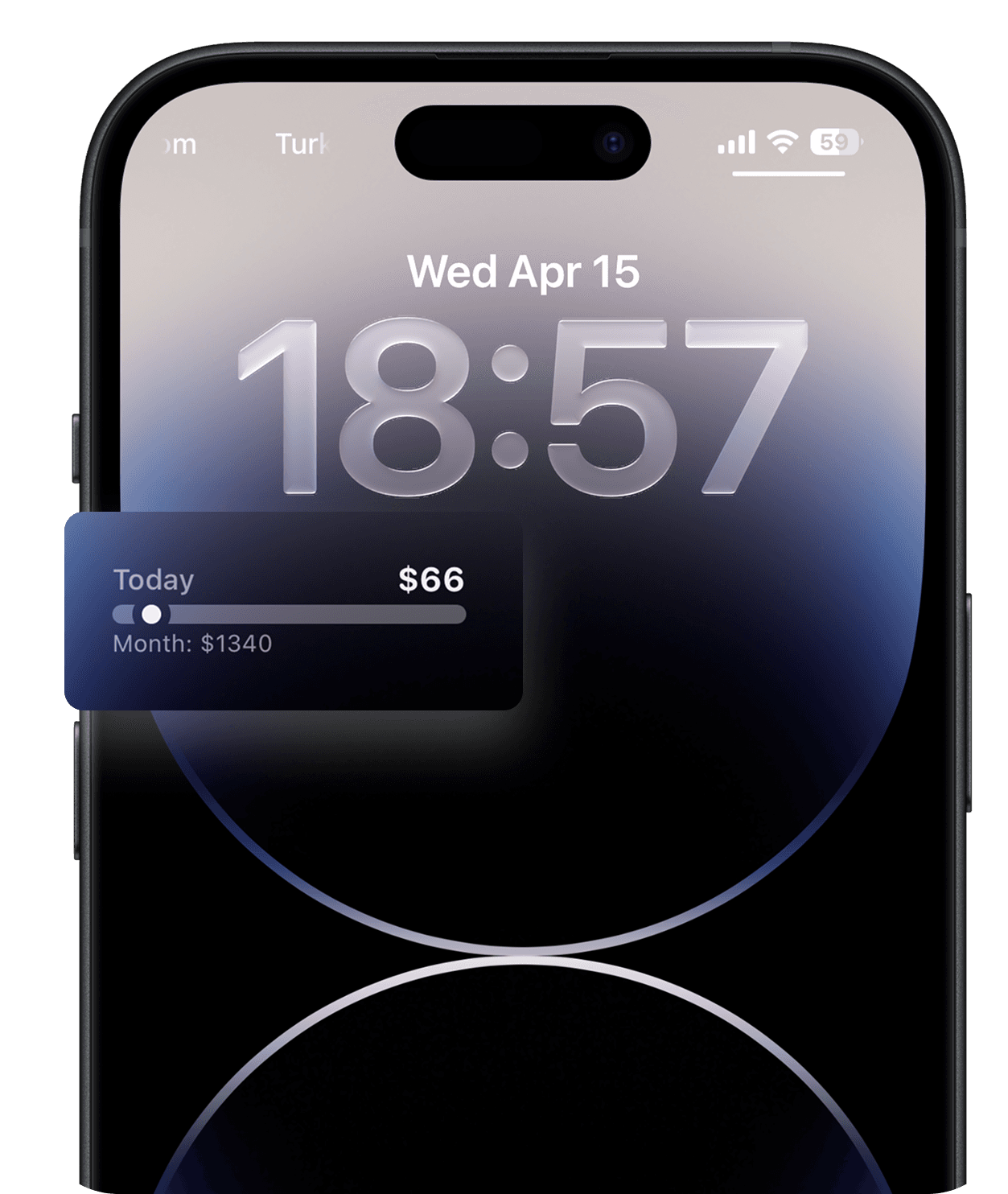
Lock screen
Track without unlocking.
Widgets on your lock screen, dynamic island, and complications. Spend totals at a glance.
Speed
3 seconds, start to finish.
Tap the mic. Say it. Done. No menus, no forms, no fumbling.
Auto breakdown
See where it all goes.
Weekly, monthly, 30-day donut charts update themselves as you speak.
Offline first
Works with no signal.
On the subway, at the till, mid-conversation. Transcription syncs when you're back online.
Private
Your spending, your device.
Voice stays on-device by default. Nothing sold, nothing leaked, nothing trained on.
How it works
Three steps.
None of them typing.
01
Speak
Tap the mic and say what you spent, however feels natural. One word, a full sentence — it's all fine.
02
Understand
On-device AI parses the amount, finds the right category, and writes a clean title. You review at a glance, not an input field.
“lunch with Sam 40”
↓
TITLE
Lunch with Sam
CATEGORY
Food
AMOUNT
$40.00
03
Track
Instant total, live donut chart, lock-screen widget. Close the app. Get on with your day.
THIS MONTH
$1,240.25
Bills$958
Shopping$78
Transport$62
Food$53
The difference
22 taps vs. 3 seconds.
Other expense apps make you fill out a form every time you spend $4. We made the form disappear.
Traditional apps
Typical flow: logging a $17 Uber
0:00Unlock phone, find the app
0:04Tap Add transaction
0:06Type the title: Uber
0:12Type the amount: 17.00
0:18Open category dropdown
0:21Scroll, pick Transport
0:25Confirm the date
0:28Pick account
0:32Tap Save, close modal
Time spent~32s
With SpendVoice
Same expense, logged.
0:00Tap the mic. Say: Uber 17.
0:03Done. Categorized, totaled, charted.
No category dropdowns. No account pickers. No date confirmations. The AI already knows “Uber” is Transport — and that you meant $17, not 1700.
Time spent3s
10×
faster than typing
0
forms, fields, dropdowns
90%
of expenses logged same-day
Stop typing.Start speaking.
— or join the waitlist for Android —